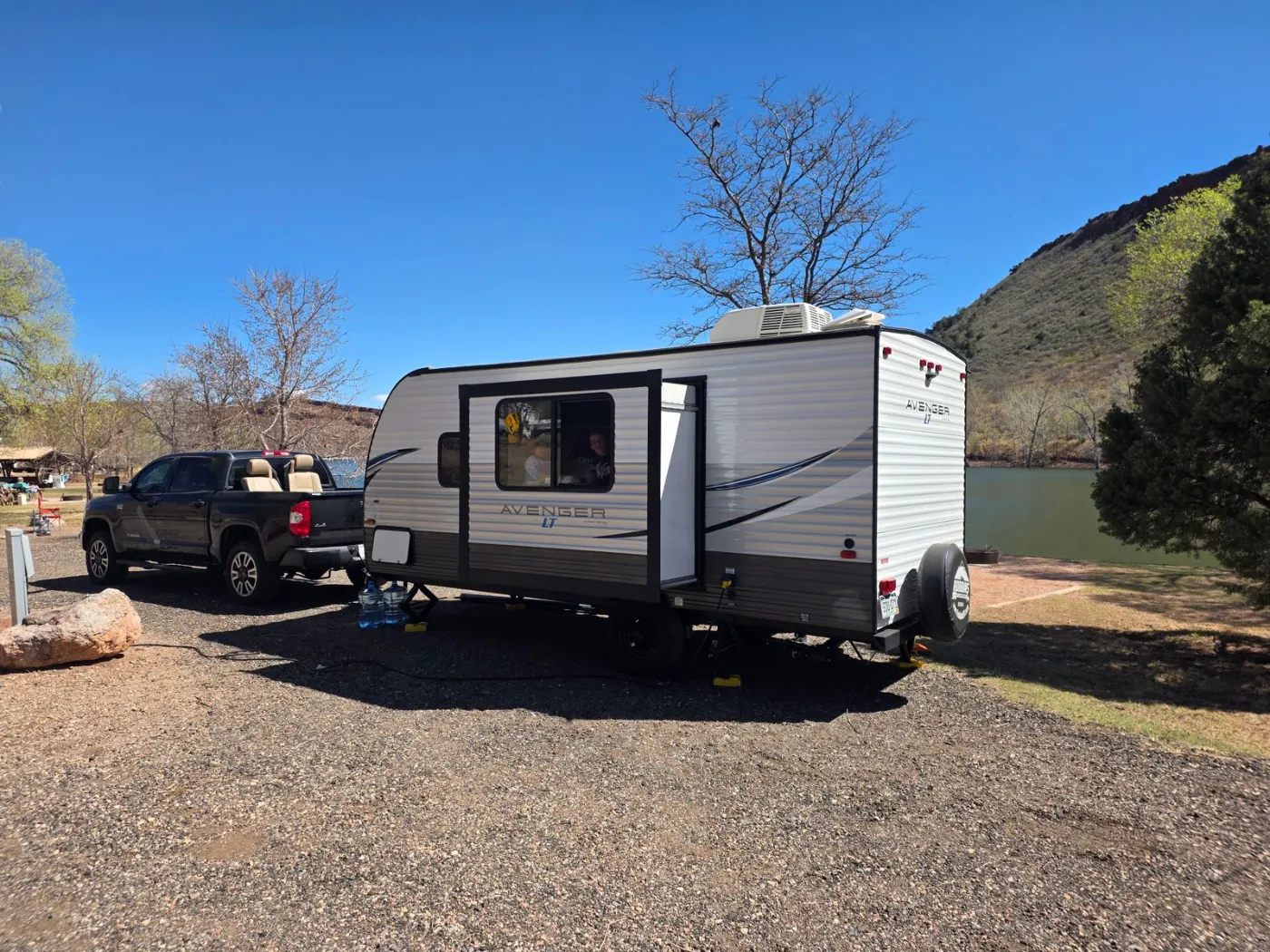

Camper demand is seasonal, local, and worth capturing.
Travel trailers and campers see their heaviest demand around summer weekends, holidays, festivals, and snowbird season. For an independent operator, that local, seasonal demand is exactly what a booking system should capture — as long as listing and managing units is fast enough to keep up when the calendar fills.
The details camper renters actually ask about.
Every RV-specific spec a renter wants, captured on the unit and ready to rent.

From booking to return, one clean flow.
A renter picks dates online, signs the rental agreement, and pays the deposit before pickup. You document the unit with walkaround photos at handoff and again at return, settle the balance, and release the deposit — every camper goes out and comes back the same way, with a record to back it up.
RV & camper rental questions, answered.
Which RV and camper types does TrailerBase support?
Travel trailers, fifth wheels, and pop-up campers are all built-in trailer types, alongside the rest of your fleet. Each one is listed, booked, and managed exactly like any other trailer — there is no separate system to learn.
What RV-specific details can I list on a unit?
For RV and camper units you can record how many people it sleeps, whether it has a bathroom and a kitchen, its shore-power hookup (30 or 50 amp), and fresh-water tank capacity in gallons — the things renters ask about first. They appear on the unit detail page in your dashboard.
How do renters book a camper?
Renters pick available dates from your online booking widget or published rental site, enter their details, and reserve in a couple of minutes. The unit appears on your calendar right away, and overlapping dates are blocked automatically so you never double-book.
How do security deposits work?
You set a refundable deposit per unit. With Stripe connected it is collected at booking and released after a clean return — TrailerBase auto-releases eligible deposits about 48 hours after the trailer comes back, or you can file a claim with photo evidence if there is damage.
Can renters sign the rental agreement online?
Yes. TrailerBase generates a rental contract for each booking and sends it for e-signature, so it is signed before pickup and stored with the rental — no printing or scanning.